Change the primary traveler
The travel policies that will be applied to any searches and bookings are based on the primary traveler.
- To change the primary traveler for whom you are booking, click Book from the main menu in the Online Booking Tool.
- Expand the traveler panel (below the search fields).
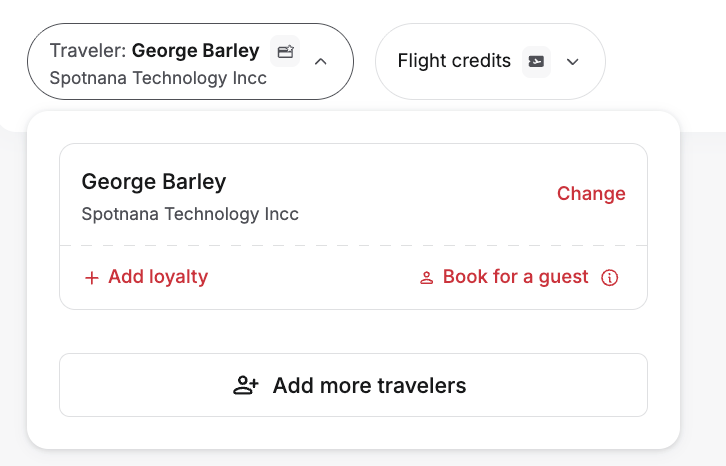
- Click Change next to the name of the primary traveler. The Change primary traveler modal will be displayed.
- Use the search feature to locate the traveler you wish to designate as the primary traveler and click on their name. The selected traveler will now be the primary traveler.
Was this article helpful?
That’s Great!
Thank you for your feedback
Sorry! We couldn't be helpful
Thank you for your feedback
Feedback sent
We appreciate your effort and will try to fix the article